Email Confirmation
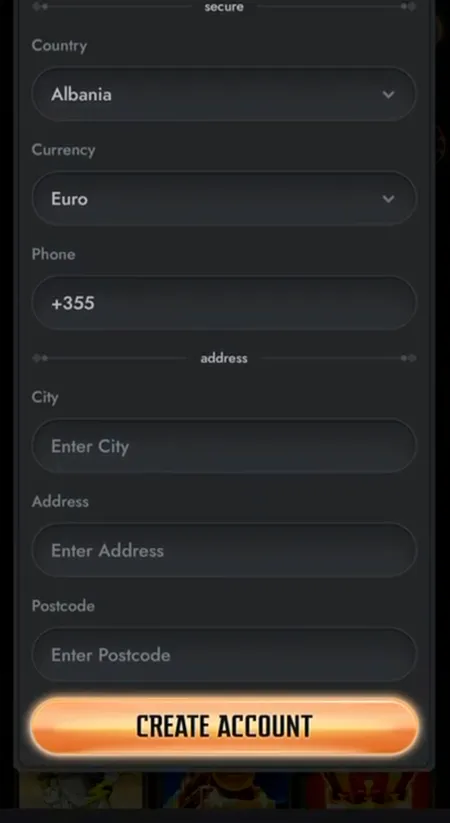
After clicking CREATE ACCOUNT, Gransino sends a confirmation email to the address you entered. Click the link inside to activate your account. The link is valid for a limited time, so confirm it promptly.
If the email does not arrive within five minutes, check your spam folder. You can request a new confirmation email from the login screen. Once confirmed, you are logged in automatically and land directly in your casino lobby.
Registration on Mobile and Desktop
Gransino uses a fully responsive HTML5 design. The registration form works identically in:
- Desktop Chrome, Firefox, Edge
- Mobile Safari on iOS
- Mobile Chrome on Android
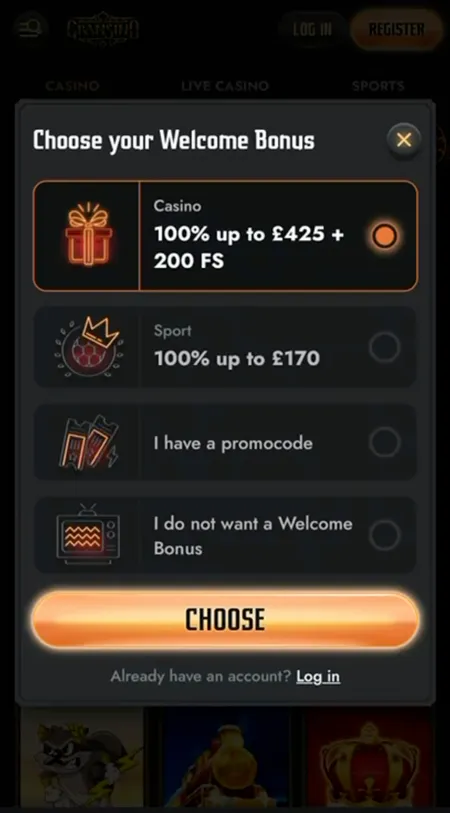
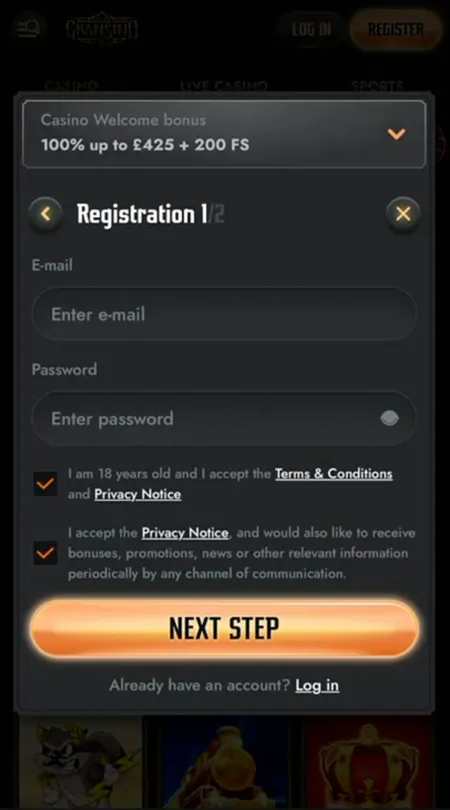
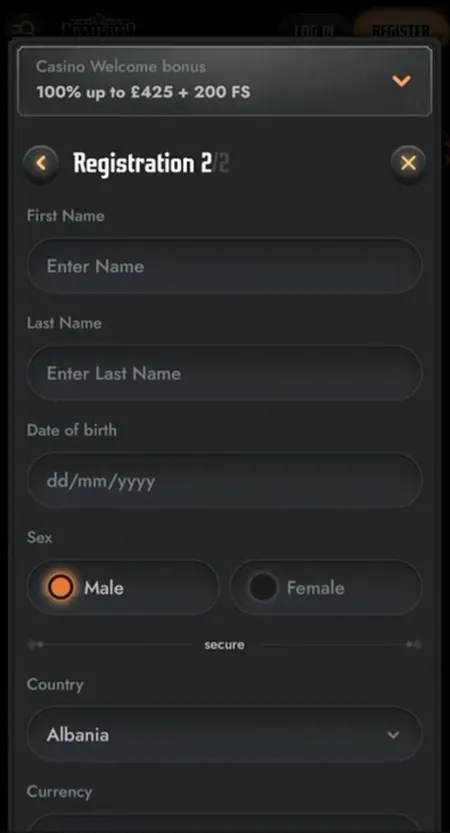
No app download is needed. The Gransino Casino online experience runs entirely in the browser with the same form fields, the same bonus selection modal, and the same speed. On smaller screens the two-step form stacks vertically; all dropdowns and date pickers are touch-optimised.